Video and content · 4 min read
Lila: from the glass to the reactor
How I connected Underground and Red Shift, from two shots that share a corridor to an After Effects flash and the decision of when to reveal the reactor.
Related service: Video & content production
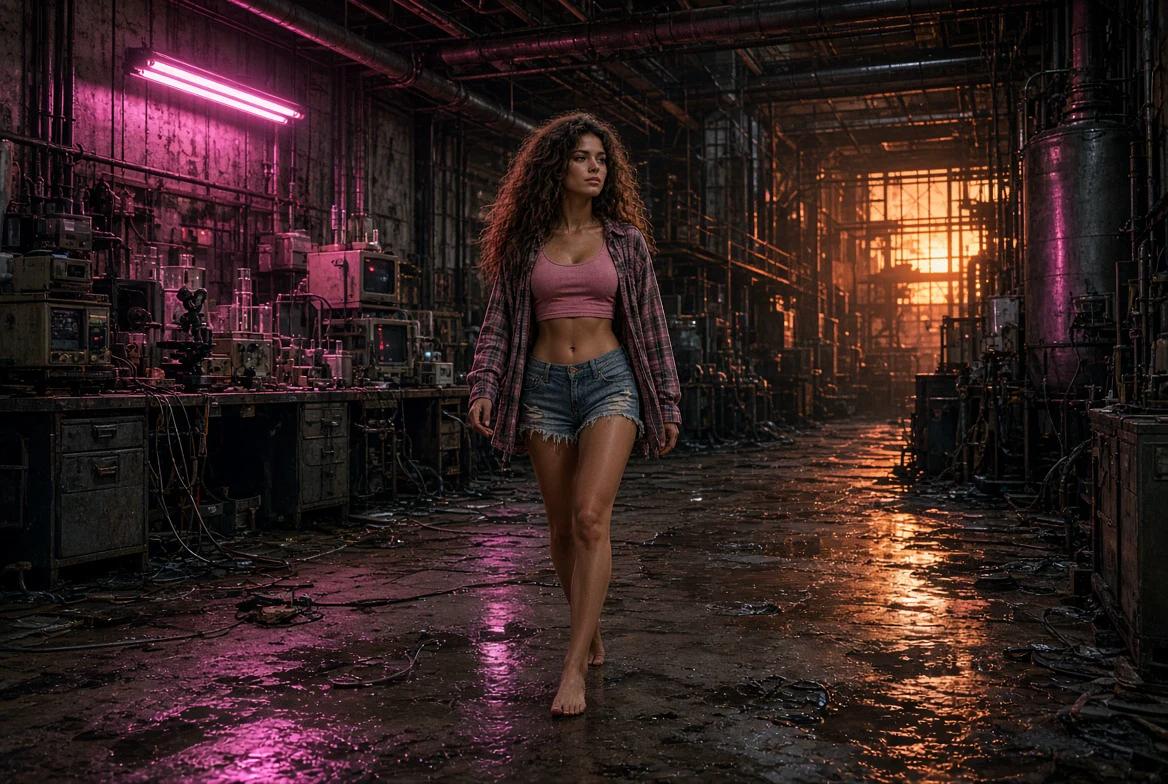
In Underground, Lila comes in from a wet street at dusk. The last time we see her, she’s still in a corridor, looking through glass. I could open Red Shift with the reactor filling the screen. I open from the same side of the glass. When red appears in the distance, we already know where to look.
In the first short, the test was whether Lila stayed recognizable from shot to shot. In these two, the question is what to carry forward so the story can move. The frames below show what stays in place and what changes.
Watch both chapters hereThe two chapters
Underground
Red Shift
What had to survive the cut
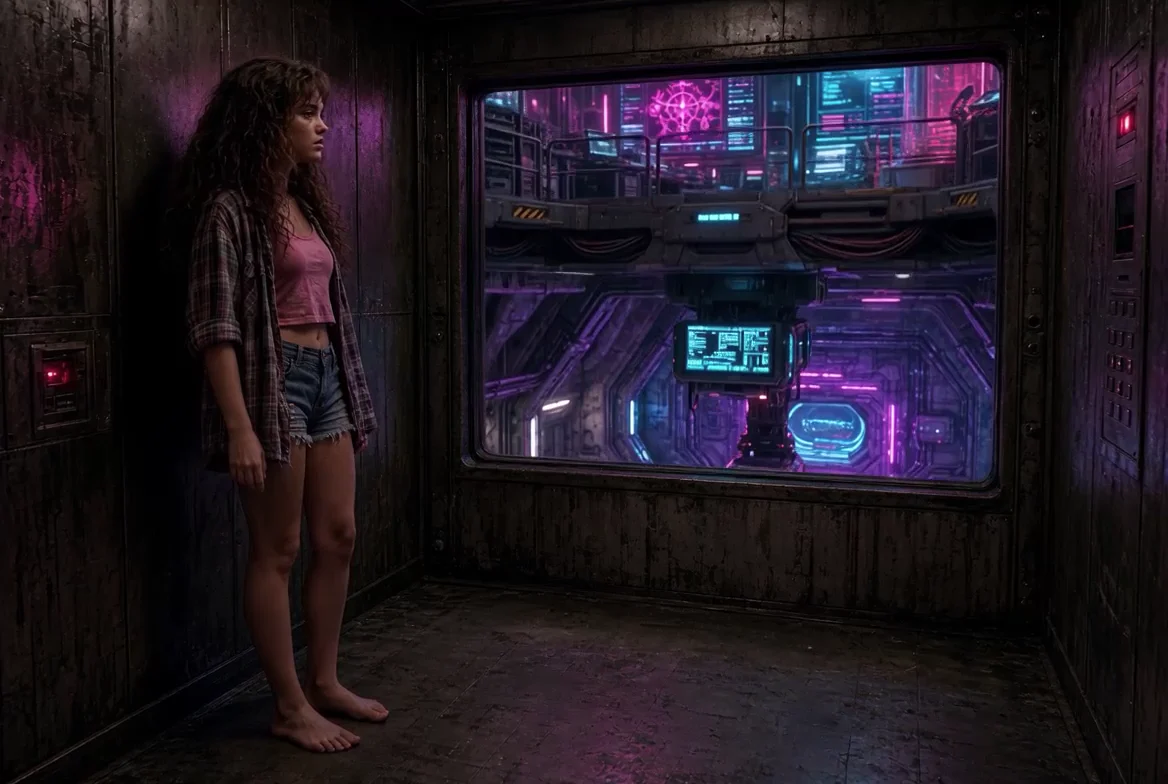
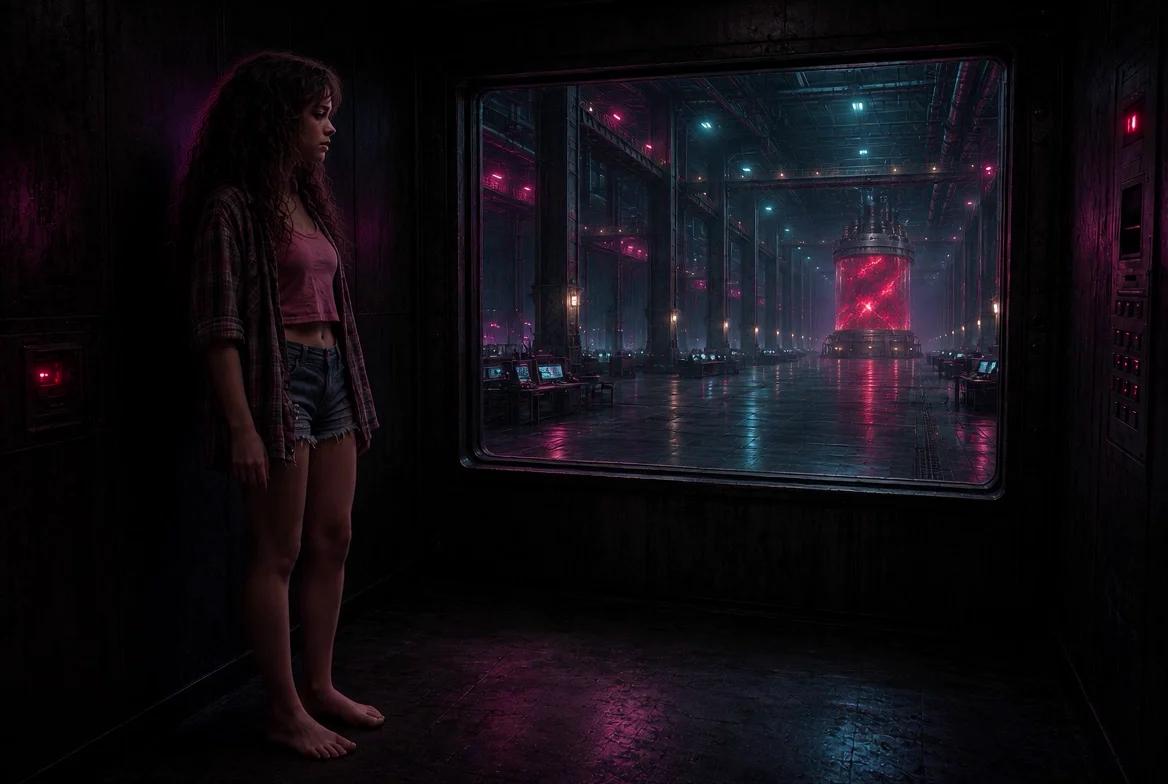
In the second chapter, the lab keeps changing behind the glass. We see screens, banks of equipment, and rooms with different depths. Lila stays on the left. The frame and her silhouette orient us as the background changes. Red Shift holds that composition a little longer and lets a spot of red become the most important detail in the shot.
When I work with AI-generated shots, I compare each variant with the one that comes before it. Three references matter here: Lila’s profile, the position of the window, and her eyeline. Sometimes a more elaborate image moves the window or changes her stance. When that makes it feel like a different place, I go back to the reference before editing.
How much of the reactor to show
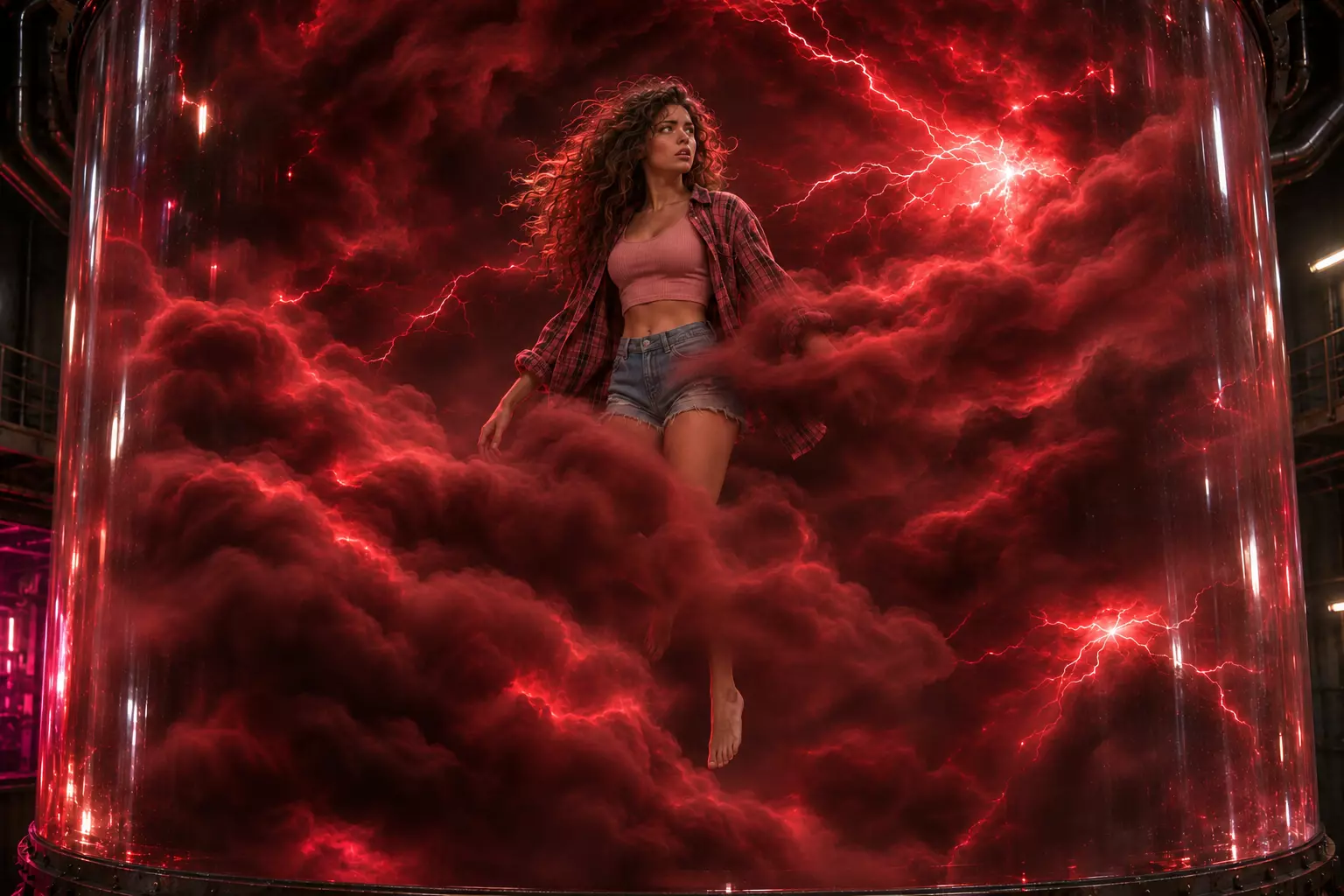
The reactor appears at three scales. First it’s a distant light. Then it fills the room and Lila looks small standing in front of it. Finally, we see her suspended among the electrical arcs. In the wide shot, her body gives the room a scale. By the time red fills the frame, we’ve seen how far she was from the chamber.
I set up an adjustment layer in After Effects for the flash. A mask lets me work where the light falls and keep the corridor in shadow. To judge the brightness, I watch the shot at full speed next to the shot that follows it. The flash needs just enough presence to make someone want to look there again.
The test is between the two videos
Put the last corridor shot in Underground next to the opening of Red Shift. Watch them once at full speed. Do you recognize the place as soon as it comes back? Do you notice the red on your own? If the change needs explaining, check what reference dropped out or how long the shot stays on screen.
After the reactor comes another cut. The red gives way to an overhead shot of Lila lying on a pale floor. A change in light and framing lets me ask a different question. The continuity holds because we can recognize her from behind by her hair, her plaid shirt, and her silhouette.
How this works in a business video
Take a business that needs to show how it handles customer inquiries. The first video can follow an inquiry from the moment it arrives to the point where someone has to decide who gets it. A second video picks up that same message and uses an actual product capture to show who receives it and what information comes with it. Seeing the same message again helps viewers place the scenario before they see the result.
On a project like that, AI can help explore the setting and framing. To demonstrate what the software does, I’d use the actual interface. I’d start with a 45- to 60-second piece that explains one part of the offer and ends with a clear action. From that first cut, we can decide which references, visual treatment, and pacing to carry into the next piece.
What should your customer understand after the first video?
We can start with that piece. Tell me what you’re offering, who needs to understand it, and where they’ll see it. We can turn that into a script, a visual direction, and a first cut that can guide the next pieces.
Let’s talk about your video